01 · Before the visit
Follow the arrival live
A clear arrival window and current status keep you informed without another call.
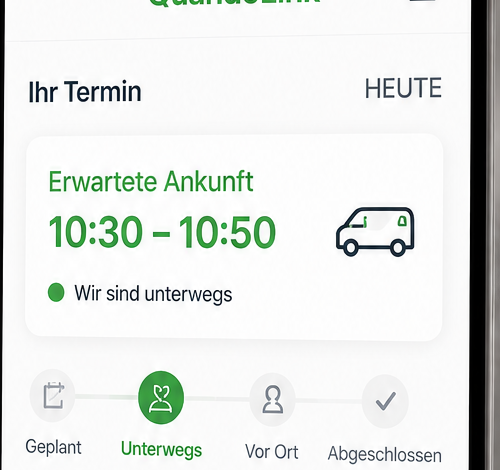
Current visit statusOn the way
Arrival 10:30 – 10:50Updated automatically sluupLinkCustomer portal
Questions? The office is here to help.
sluupLinkCustomer portalQuestions? The office is here to help.
sluup01 · Preparation
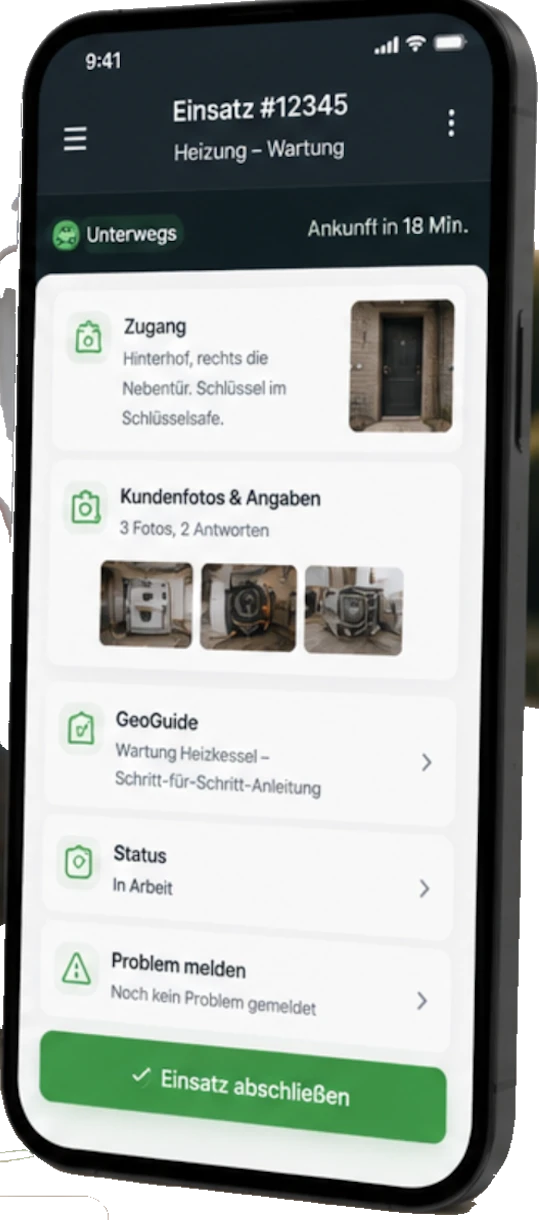
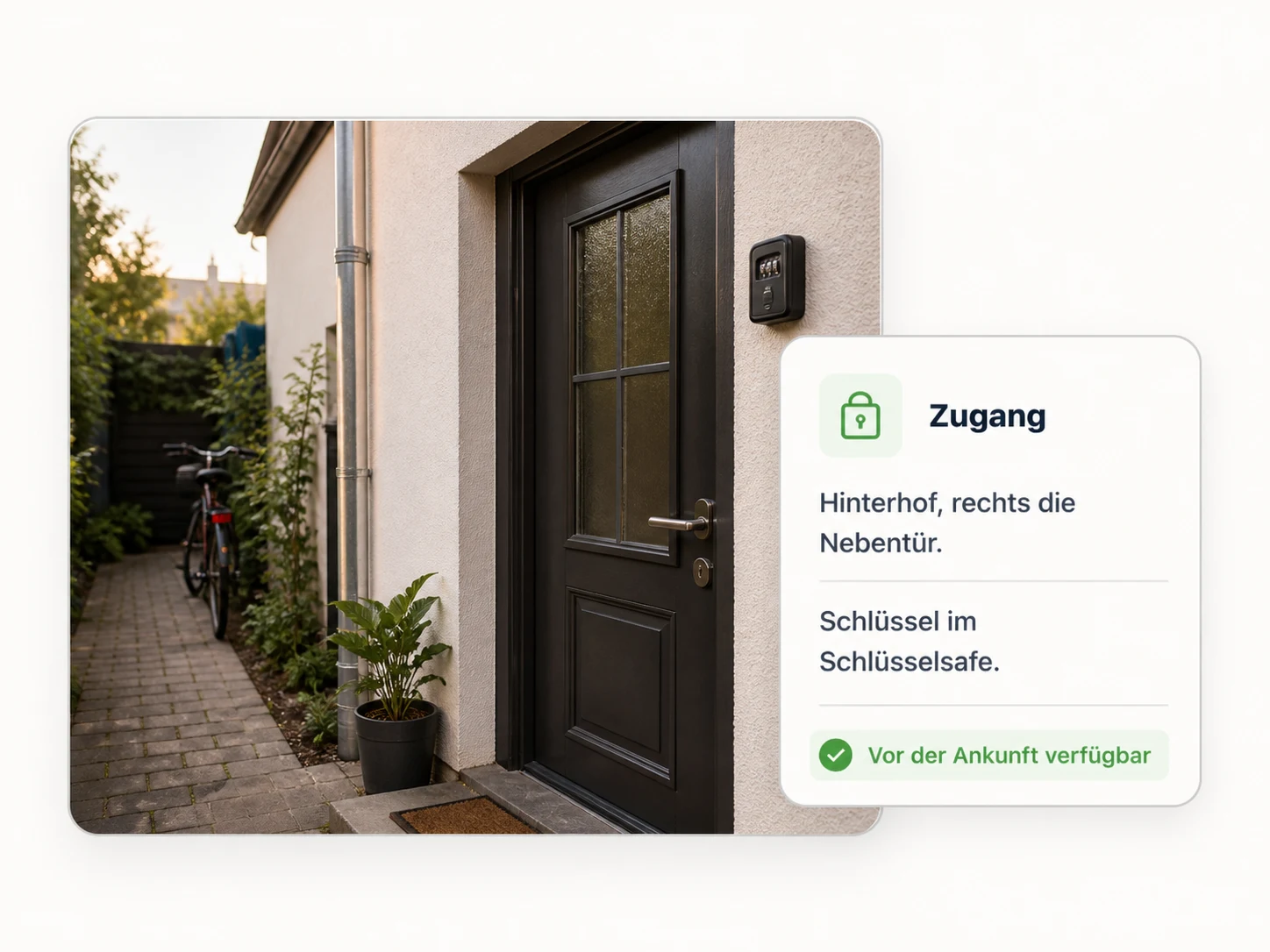
Access instructions, customer details and photos are available before arrival.
Step 1 of 5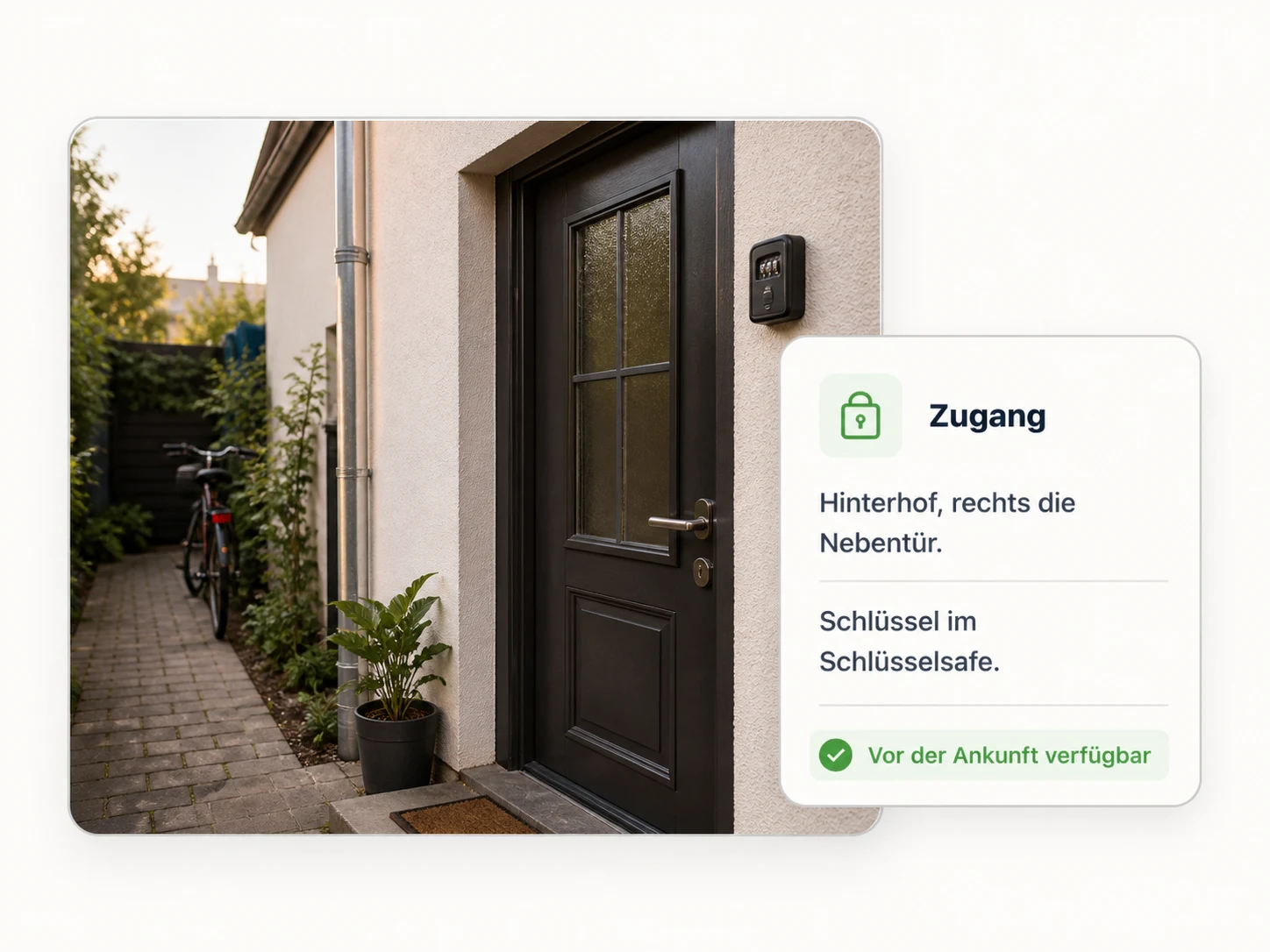
 Sign in
sluupLink
sluupLinkCustomer portalQuestions? The office is here to help.
Real-time updates keep you informed.
Clear instructions and photos help our technician get in and get to work.
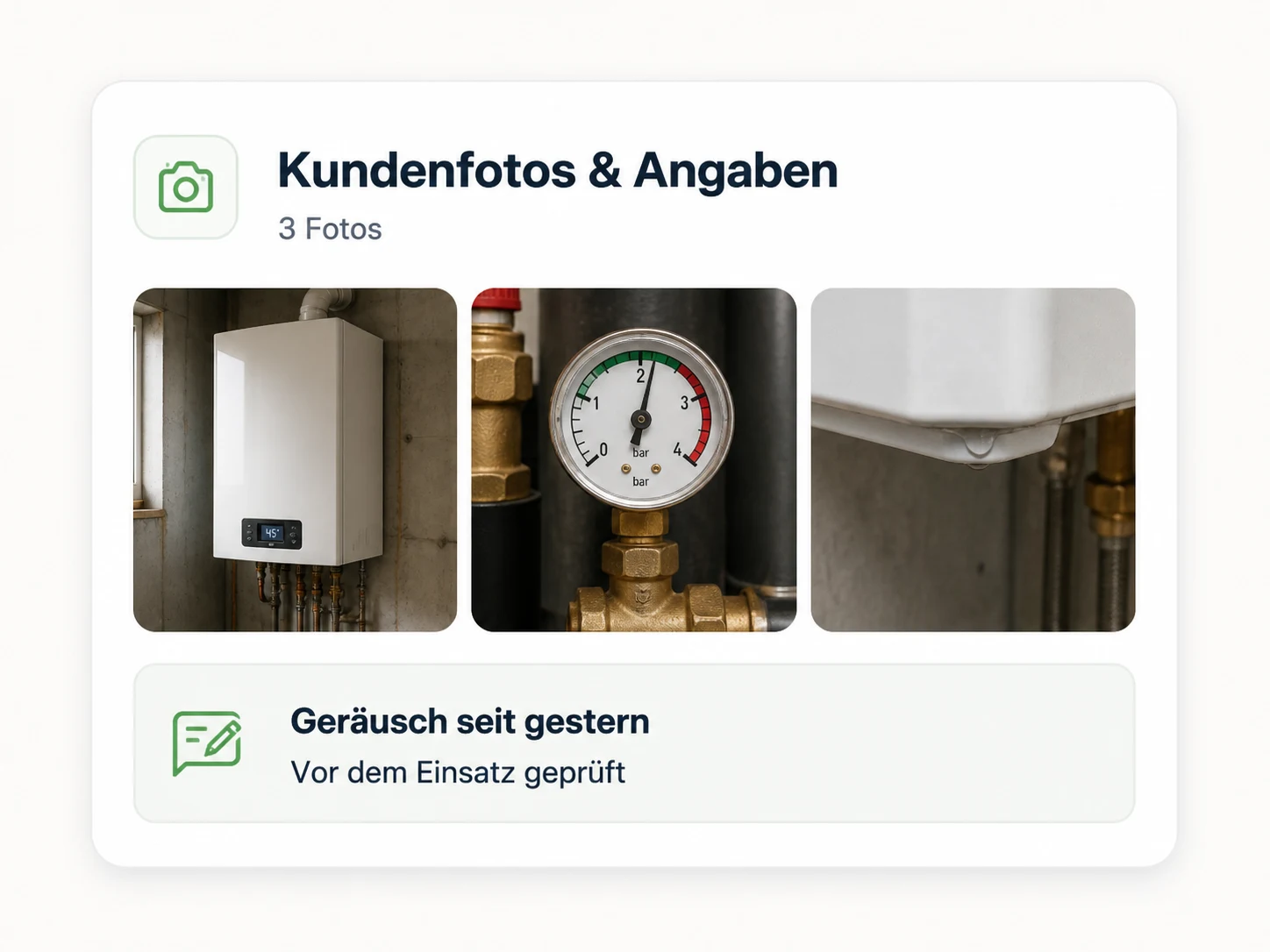
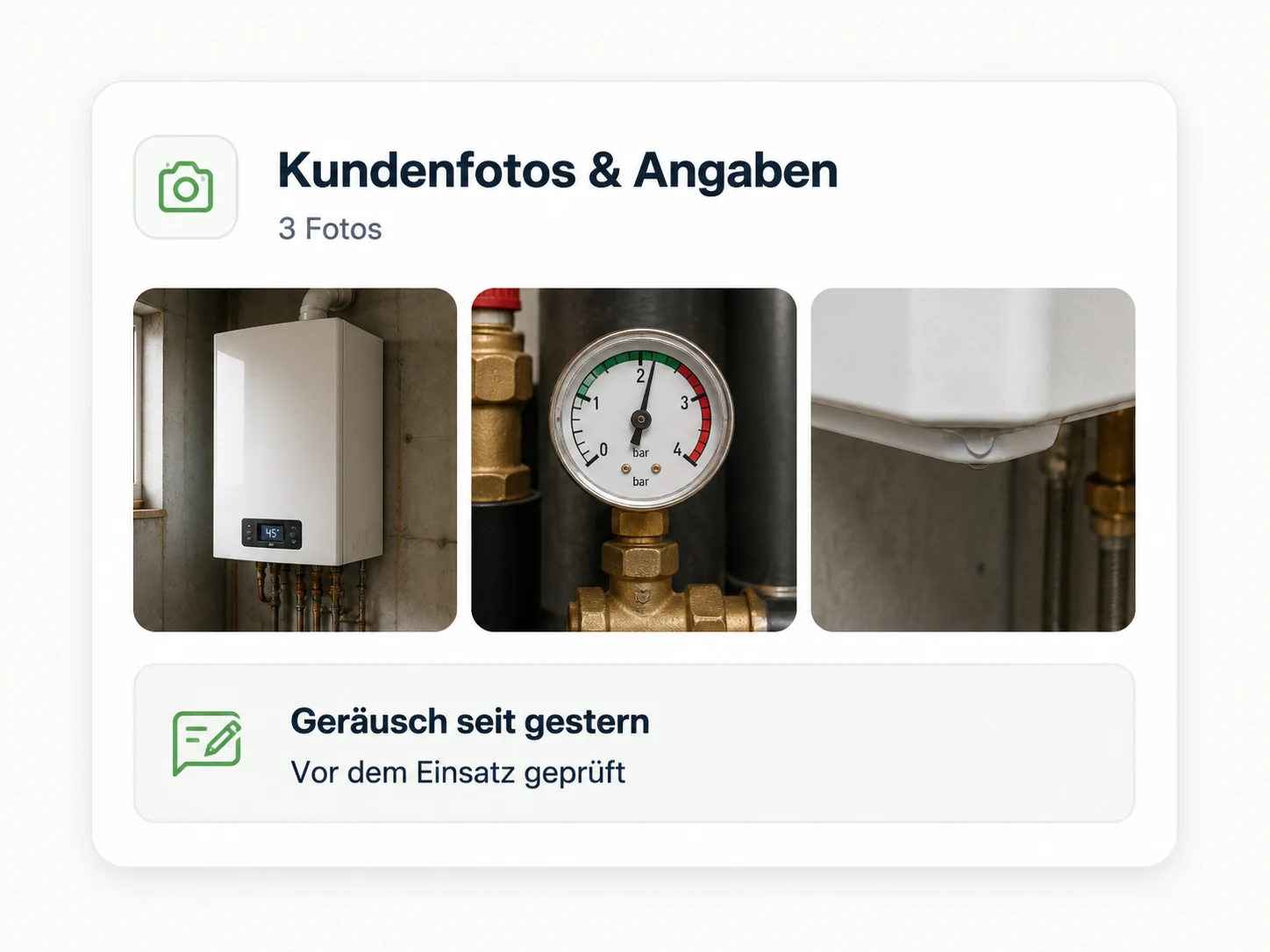
Add photos and notes to speed up diagnosis.
Everything about your visit in one place.
Quick steps you can take before we arrive.
Our team follows a proven process so nothing is missed.
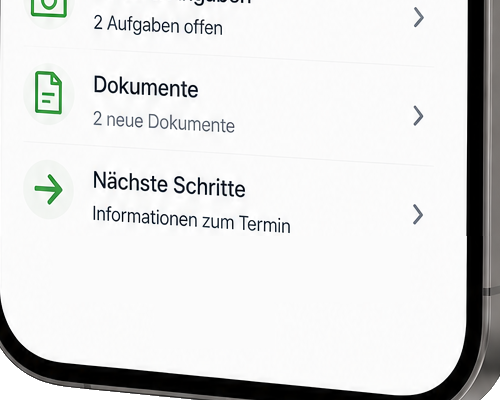
Summary, documents and follow-up—ready when you need them.
sluupLink01 · Before the visit
A clear arrival window and current status keep you informed without another call.
sluupLink02 · Ready for the visit
A quick confirmation clears up questions and helps avoid an unnecessary journey.
sluupLink03 · Share context
Relevant photos and a short note help the technician prepare before arriving.
sluupLink04 · After the visit
Keep the results and see what happens after the visit.
sluup01 · Preparation
Access instructions, customer details and photos are available before arrival.
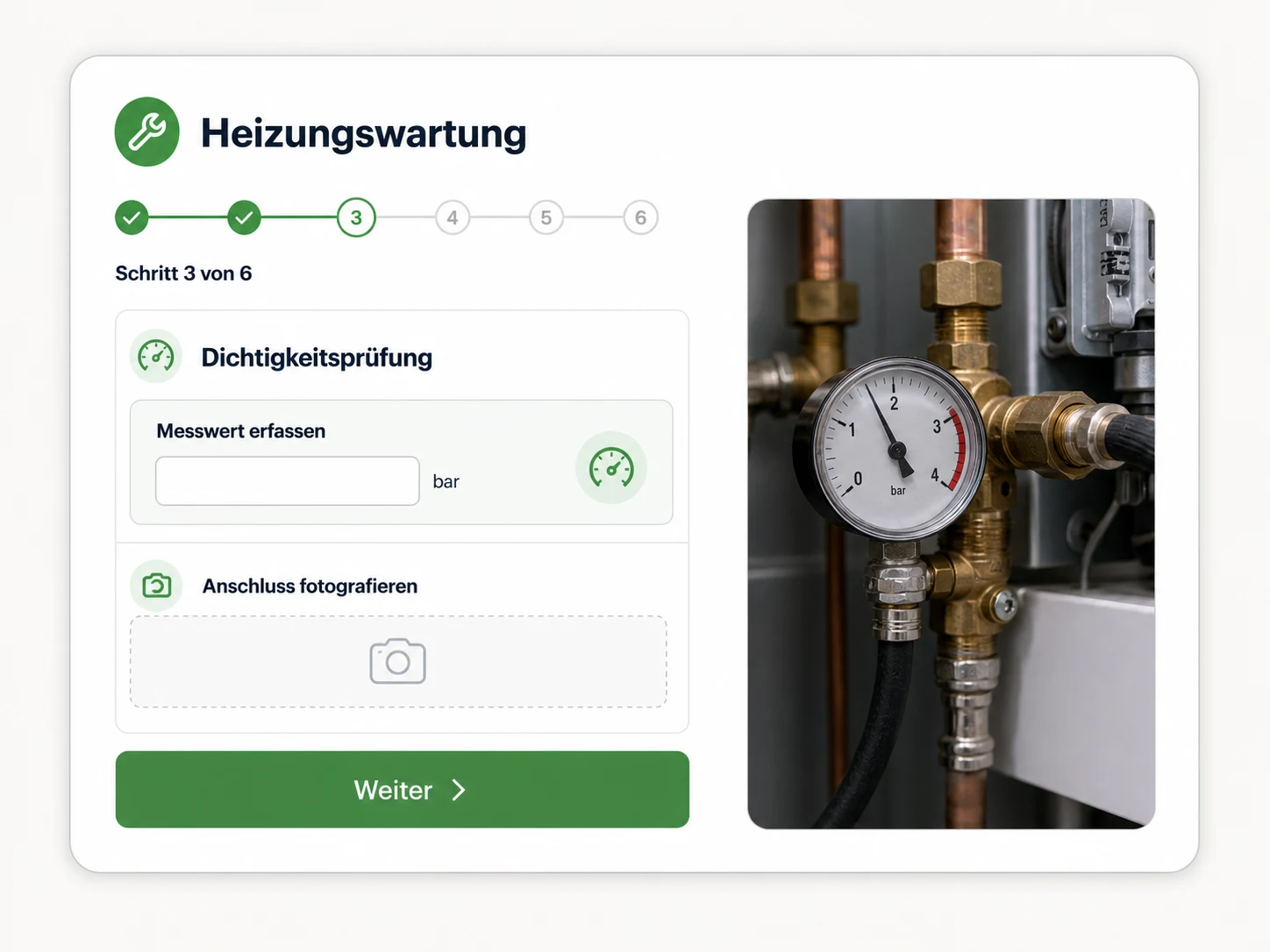
sluup02 · Work
Work orders, checks and required evidence guide the work.
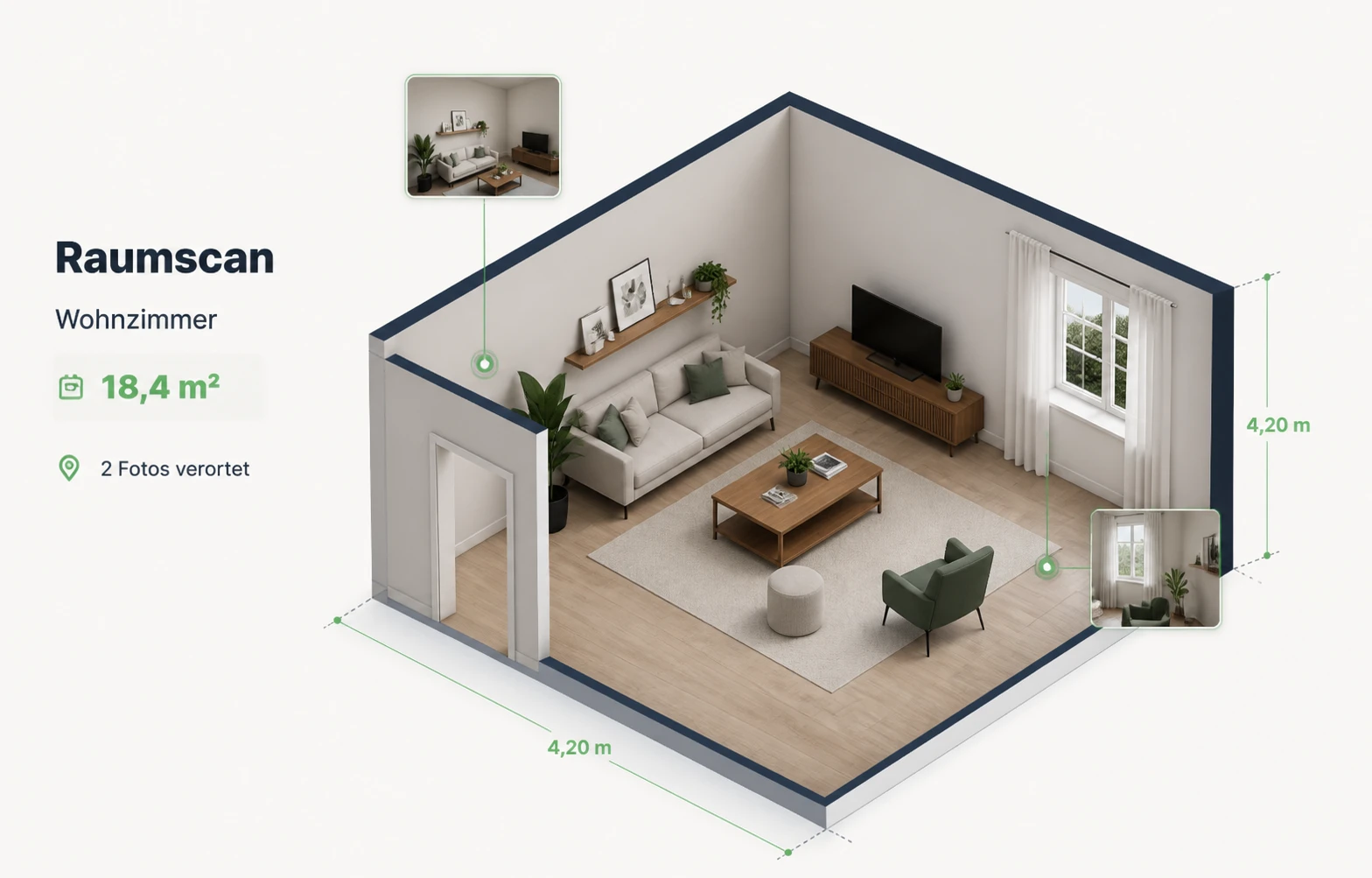
sluup03 · RoomGuide
Record room scans, surfaces, openings, dimensions and photos in their real location.
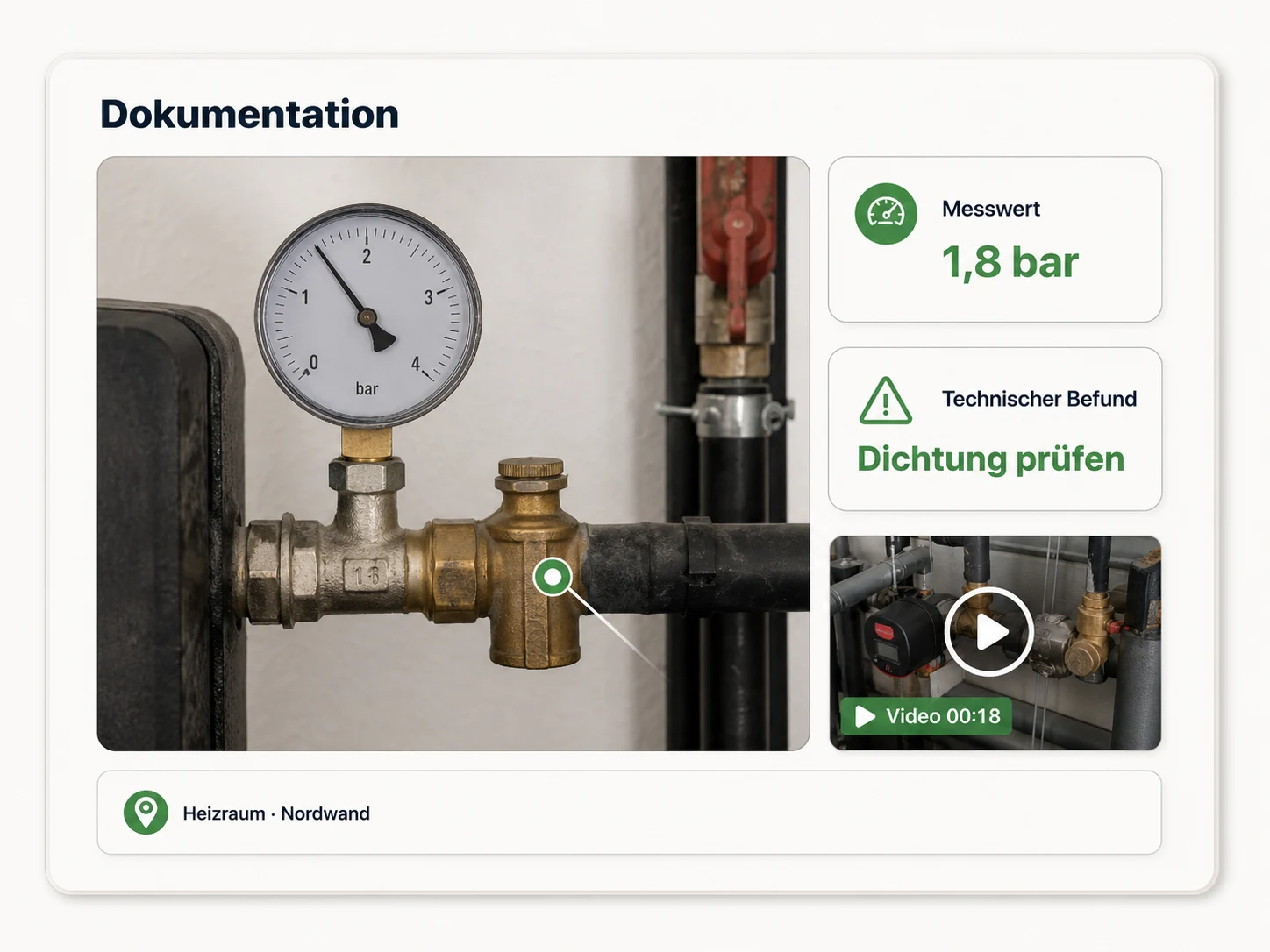
sluup04 · Documentation
Capture photos, videos, measurements and findings where the work happens.
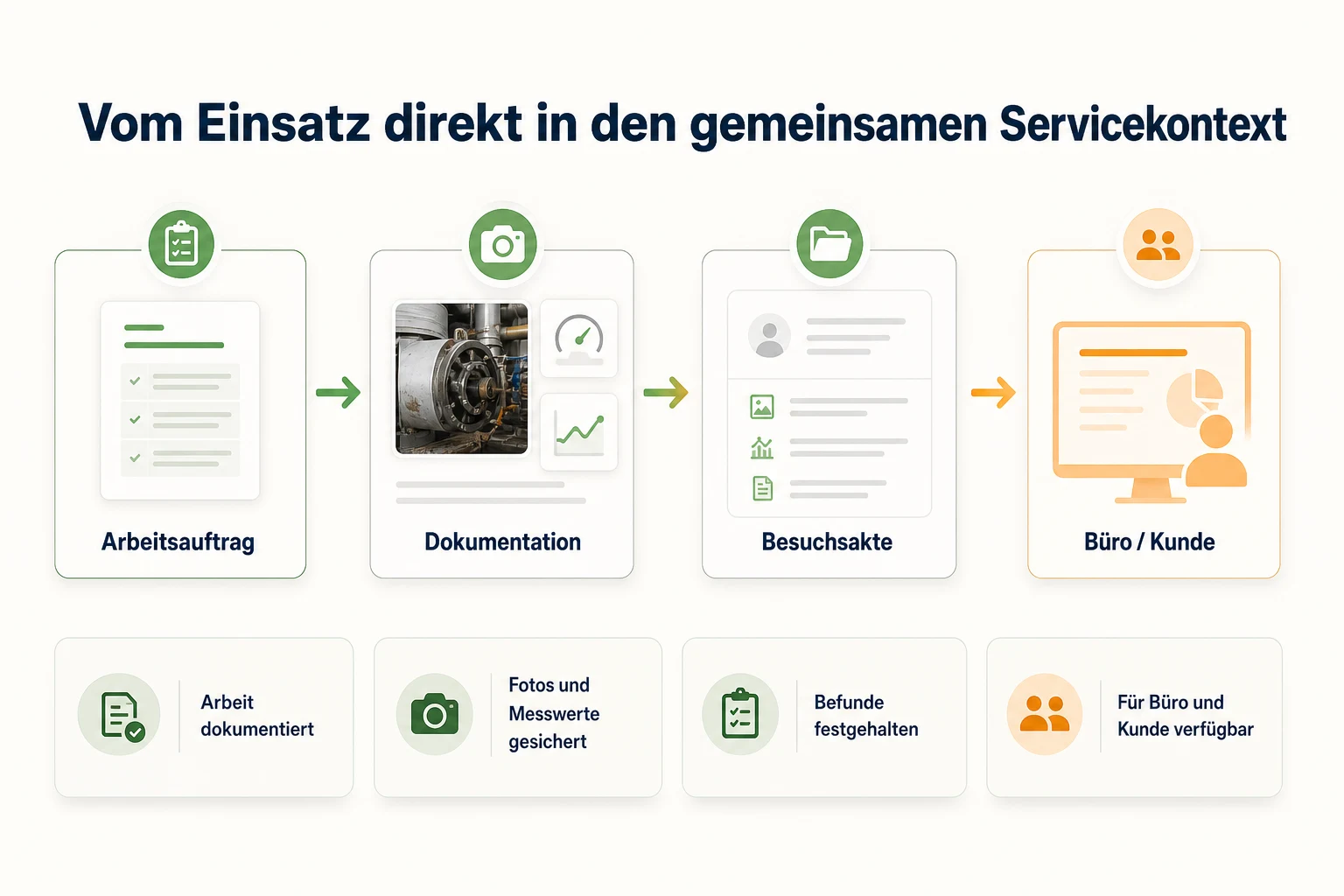
sluup05 · Handover
Results, documentation and next steps are ready for the office and customer.
sluup01 · Customer context
Details, photos, access instructions and preferred dates arrive with the customer’s request.
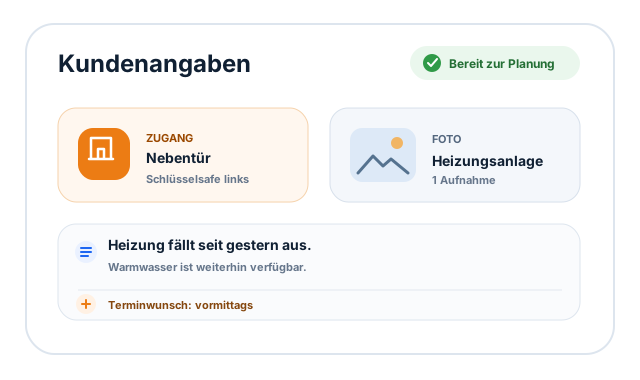 Benefit 1 of 4
sluup02 · Daily planning
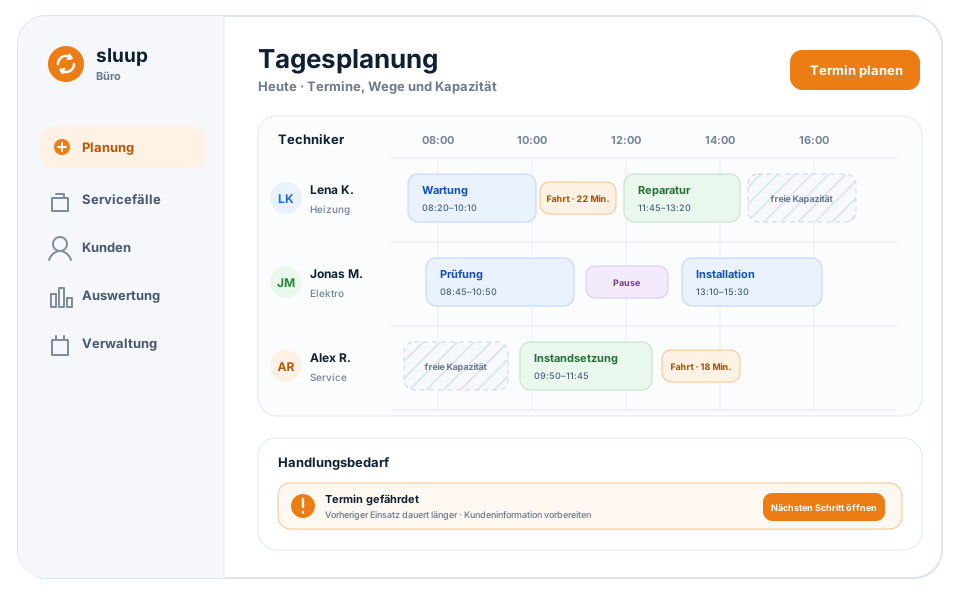
See travel, breaks and available time together in the daily plan.
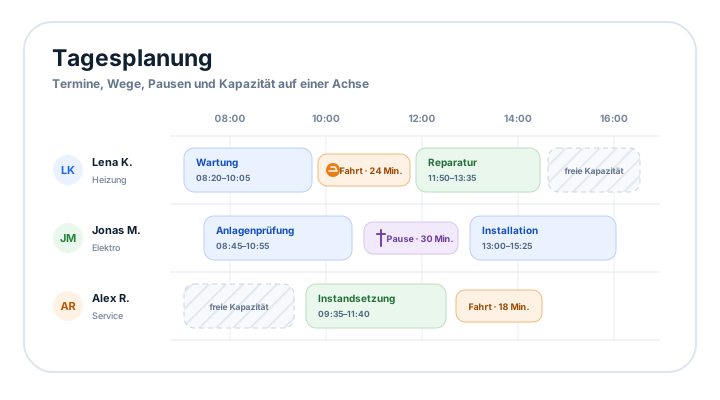 Benefit 2 of 4
sluup03 · Needs attention
When something changes, sluup shows the consequence and the next useful action.
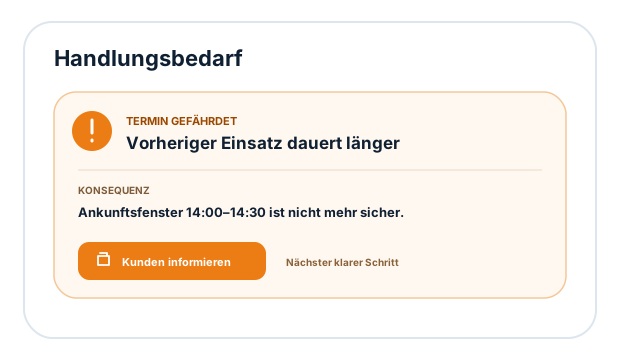 Benefit 3 of 4
sluup04 · Service history
Documentation, results, findings and next steps stay connected to the work.
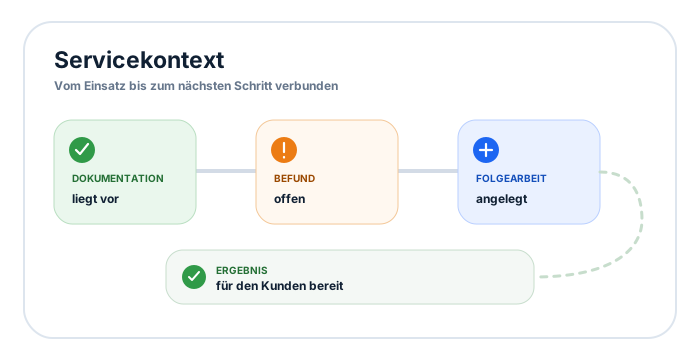 Benefit 4 of 4
Customers, technicians and the office work with the same context—from first contact through follow-up.
sluupLinkCustomer portalQuestions? The office is here to help.